Engadget
What is a VESA mount and how to know what type your TV has
Those 200 × 200 and 400 × 400 numbers tell you where the mounting holes line up, but you still need to check the mount's weight limit and hardware.
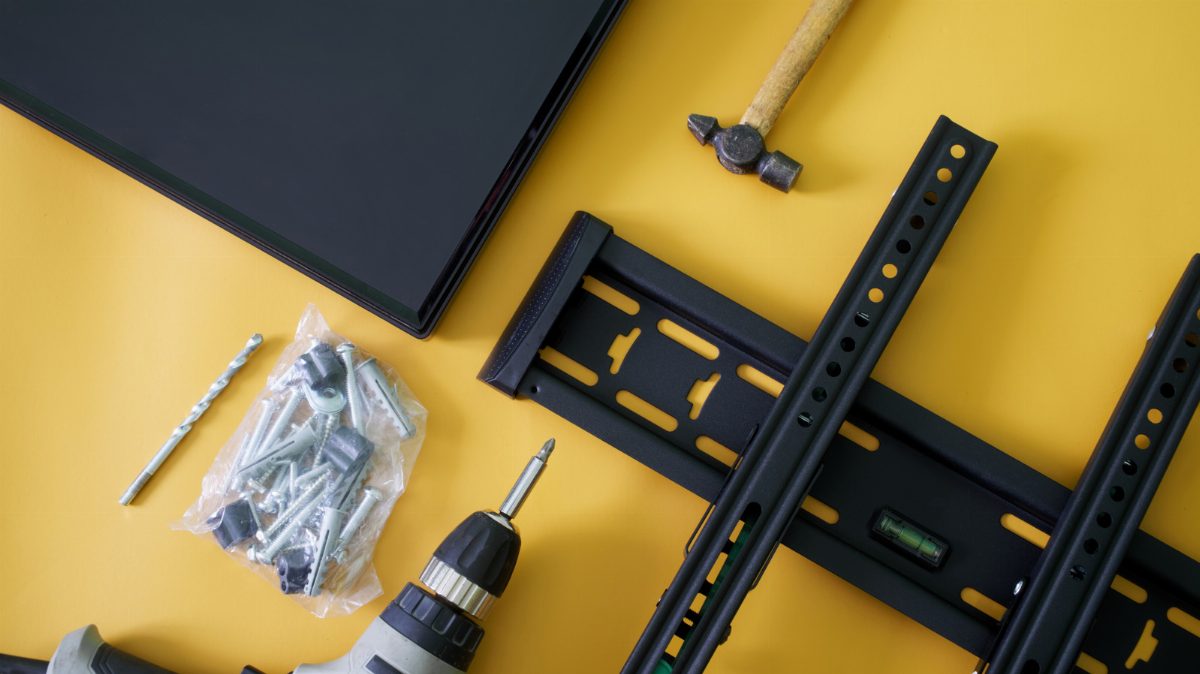
Those 200 × 200 and 400 × 400 numbers tell you where the mounting holes line up, but you still need to check the mount's weight limit and hardware.
Originally published by Engadget. Read the full story at the source →